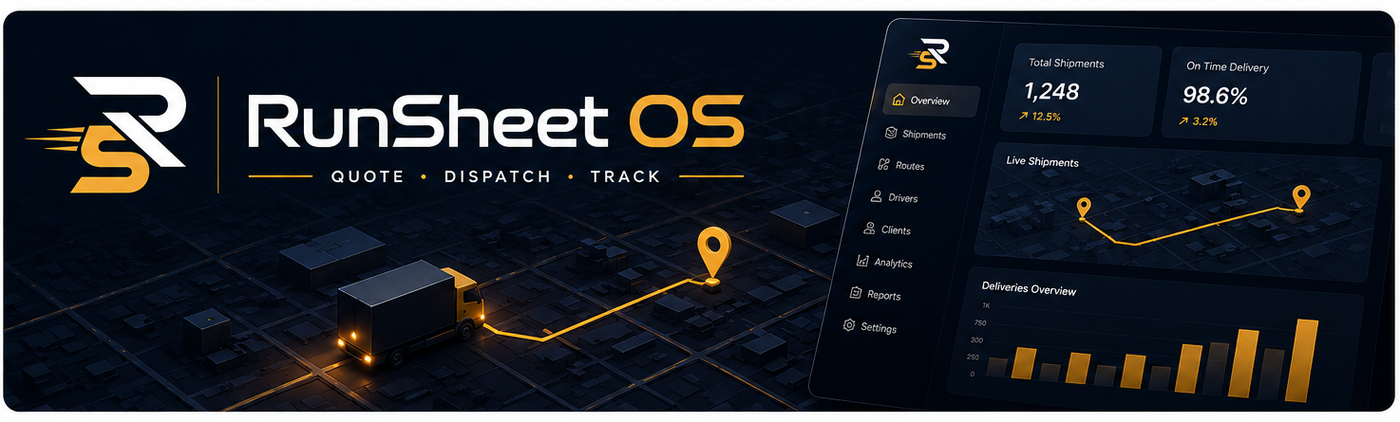

RunSheet OS hero image

New courier job

Create the quote first, copy it, send it to the client, then dispatch only after they accept.

ModeQuote builder
Price before confirm£0.00

Job details

Vehicle TBC

Delivery stops

2 stops

Load and timing

Auto vehicle match

Driver assignment

From driver list
Driver details will appear here

Custom rate

Override available
Use custom rate per mile

Route and city charges

Editable
London Congestion Charge
ULEZ / emissions charge
Clean Air Zone

Operational extras

Charge rules
Weekend uplift
After 5pm delivery
Job total before confirmation £0.00
Net£0.00
VAT£0.00
Extras£0.00
Updates live as you change mileage, vehicle, timings and charges.

Courier Control Centre

Create the quote, send it to the client, then dispatch the driver once the job is accepted.

Not signed in
Local demo mode
Live
Active jobs
0
Confirmed or moving
Quoted value
£0.00
Draft and quoted
Confirmed revenue
£0.00
Before VAT
Drivers ready
0
Available now

Job board

Simple status view for quotes, accepted jobs and dispatches.

1Quote requestClient asks for price
2Create quoteBuild full price
3Copy and sendEmail or WhatsApp
4Client acceptsConfirm the job
5Dispatch packWhatsApp driver + email controller
Start here

Run one test job from quote to dispatch

Use the dashboard like a normal job. Create the quote, copy it, mark it accepted, then send the driver dispatch.

1Create quoteBuild the price before sending anything.
2Copy and sendPaste into email or WhatsApp.
3Client acceptsTurn the quote into a live job.
4Dispatch driverOpen WhatsApp and keep the record.

Driver directory

Name, vehicle, reg, mobile number and capacity.